7 Best AI Assistants in 2026 (tested and ranked)
We tested 7 AI personal assistants in 2026 on real tasks and verified pricing, then matched each one to who it's actually built for.

PromptsBuddy
Editorial
A field guide to seven tools wearing the same label and what each one is actually built to do.
TL;DR: AI personal assistant can mean very different things now. Some tools answer questions and help with everyday work. Others can take actions and complete tasks for you. Business-focused tools go further by handling customer support, sales, and operations workflows. This guide looks at seven tools based on what they can actually do and how much work you still need to handle yourself.
The biggest difference between today's assistants isn't how well they answer a question. It's how much of the work they can take over.
Some can write emails, research topics, organize information, and help you think through a problem. Others can open apps, work with files, schedule meetings, send messages, and complete actions for you. More autonomous systems can take a goal, break it into steps, and work through the task with little supervision.
The right choice also depends on what you're trying to automate. An assistant for personal tasks has different requirements from a platform built to handle customer conversations, sales, or business operations.
So rather than comparing feature lists, this guide asks a more practical question: what can you actually hand over, and how much work will you still need to do yourself?
We tested seven products against practical tasks and compared their reasoning, action capabilities, automation, integrations, information access, ease of use, and pricing. Personal assistants and business-focused platforms are evaluated separately, so the comparison reflects what each product is actually designed to do.
Quick Glance
Personal assistants
ChatGPT: A general-purpose assistant for writing, research, coding, files, web search, and delegated tasks, with a broad ecosystem of connected apps and tools.
Claude: An assistant focused on reasoning, writing, coding, and document-heavy work, with Projects for keeping context and instructions together.
Google Gemini: Google's general-purpose assistant, with deep integration across Gmail, Docs, Calendar, and other Google services.
OpenClaw: A free, open-source agent that runs on your own machine and can connect to messaging apps, files, browsers, and other tools.
Grok Bot: xAI's agent product, available in beta, designed to give tasks access to a cloud computer so it can carry out multi-step work.
Business assistants
YourGPT: A business AI agent platform for customer support, sales, and operational automation, with agents that can use business knowledge and take actions across connected systems.
Lindy: A business automation platform for building AI-powered workflows across apps such as email, calendars, CRMs, and other business tools.
Testing the Seven AI Assistants
When you compare AI assistants based on their features, it is simple. The more difficult question is what happens when you actually assign them work.
For this comparison, we focused on that gap: can an assistant understand what you need, use the tools available to it, take the required action, and recover when the task does not go exactly as planned?
We tested the tools against the same practical tasks wherever hands-on testing was possible. For products we could not test directly, we used current official documentation, product materials, and pricing information. We kept those two types of evidence separate throughout the comparison.
Test environment
The comparison was conducted during the first two weeks of September 2026.
For the personal assistants, we used the lowest tier that provided meaningful functionality: the free tiers of ChatGPT, Claude, and Google Gemini, along with a self-hosted free installation of OpenClaw connected to a personal API key. OpenClaw is particularly different from the other products because it runs on the user's own hardware and allows the underlying models and agent harnesses to be configured independently.
Grok Bot, YourGPT, and Lindy were assessed through their official documentation, product materials, and pricing information rather than live accounts. This distinction is important because these products are not all designed for the same environment. YourGPT is positioned around customer support, sales, and operations, with agents that can use business knowledge, connected tools, and multi-step workflows. Lindy is positioned as an AI teammate for business workflows, with integrations and agents designed to carry work across connected applications.
We therefore do not present a documented capability as though we personally verified it. Where we did not test a product hands-on, we state that limitation rather than hiding it inside the comparison.
The seven tasks
Every tool we could test directly received the same seven requests:
Write and revise
Draft a reply to an awkward email, then revise it once based on the feedback.Handle a real-world constraint
Reschedule a meeting across two time zones without unnecessary back-and-forth.Research and verify
Research a specific claim and summarize the findings with sources.Keep working after the conversation ends
Set up something that continues running without a fresh prompt, such as a reminder, routine, or scheduled check.Work with unfamiliar information
Open a file the assistant has not seen before and read, edit, or reorganize it.Take an actual action
Complete an action inside a connected app rather than simply explain how a person could do it.Handle ambiguity correctly
Provide the assistant with a vague or incomplete instruction and observe whether it requests the missing information instead of confidently guessing.
The tasks deliberately move from ordinary AI assistance toward agentic behavior. Writing an email tests generation. Rescheduling a meeting tests context and constraints. Research tests information access. Scheduled work tests persistence. File handling tests tool use. Connected actions test execution. The final task tests judgment when the instructions are incomplete.
That progression matters because an assistant that produces a good answer is not necessarily an assistant that can complete a job.
What we compared
The main comparison uses ten dimensions:
AI capabilities and reasoning
Task and action capabilities
Personalization and memory
Productivity and workflow support
Integrations and connected apps
Automation and autonomy
Multimodal capabilities
Web search and information access
Ease of use and reliability
Pricing and value
We put particular emphasis on Task and Action Capabilities and Automation and Autonomy. Those dimensions reveal the difference between an assistant that mainly responds to prompts and one that can actually move a task forward.
That does not mean reasoning, writing quality, memory, integrations, or multimodal support are unimportant. It simply reflects what this comparison is trying to answer: how much work can you hand to the assistant, and how much of that work can it complete without you?
The "Best For" and "Watch For" sections throughout the article are based on these dimensions and the available evidence. They describe the role each product is best suited to fill rather than declaring a universal winner.
Personal assistants and business assistants are not the same test
One important distinction became clear during the comparison: not every product on this list is trying to solve the same problem.
ChatGPT, Claude, Gemini, OpenClaw, and Grok are primarily relevant when you want a general-purpose assistant for personal work, research, communication, planning, and computer-based tasks.
You can better understand YourGPT and Lindy through a business automation lens. YourGPT focuses on customer support, sales, and operations, while Lindy is built around AI-powered business workflows and connected applications.
That is why the article separates the two groups instead of forcing every product into a single leaderboard. A personal assistant and a customer-support automation platform can both "take action," but they are solving different problems and should be judged against different expectations.
What this test does not measure
This evaluation is a practical comparison, not an enterprise procurement assessment or a controlled benchmark. It does not attempt to measure:
Enterprise administration and governance
API quality or developer experience
Large-team collaboration
Every model or model variant available inside each product
Long-term reliability beyond the two-week testing window
Performance at full enterprise scale
Organization-specific configurations and workflows
Every integration offered by each platform
The results should therefore be read as a snapshot of how these products compare for practical assistant and automation work in September 2026, not as a permanent ranking of the underlying technologies.
The market is changing too quickly for any single test to settle the question indefinitely. What the test can show is more useful: what each assistant can actually do today, where its strengths are, and where you should expect to do more of the work yourself.
Best AI Personal Assistants
Here's the full breakdown of all seven, one at a time: what each one is, what it can do, where it falls short, and what it actually costs.
1. ChatGPT
OpenAI's general-purpose assistant, and still the default most people reach for first when they want help with something. It grew out of the original ChatGPT launch and has since expanded well beyond simple chat, adding web browsing, image generation, voice conversations, file analysis, and short agent-style task execution, all inside one product. Because it got there first and remains one of the most widely used AI assistants available, it also carries the widest plugin, connector, and third-party integration ecosystem of any tool on this list, which makes it the safest general pick when you are not yet sure exactly what you need.
Features:
Broad reasoning, writing, coding, and research support across a wide range of tasks
Built-in web search with citations
File and image upload with multimodal understanding
Voice mode for spoken conversations
Custom GPTs, connectors, and short agent-style task execution
Memory that carries preferences and context across sessions on supported plans
Limitations:
Free tier defaults to a lighter model with usage caps
Not built for unsupervised, always-on background work the way OpenClaw or Grok Bot are
Plan and model naming has grown complex, including two separate "Pro" tiers at different prices
Pricing:
Free: $0/month, unlimited basic text chat, limited everything else
Go: $8/month, more messages, uploads, and image generation than Free
Plus: $20/month, GPT-6 and GPT-5.6 models, expanded deep research and memory
Pro: from $100/month, 5x to 20x more usage, unlimited image creation, maximum deep research
Best for: one tool that covers writing, research, and quick tasks without picking a specialist first.
2. Claude

Claude, Anthropic's assistant, built around Projects that hold context and instructions across an entire thread of work instead of resetting with every new chat. It connects into everyday tools like Gmail, Google Calendar, and Slack, and extends into Claude Code for developers and Cowork for broader knowledge work. Anthropic has generally positioned it around careful reasoning, long-document handling, and writing quality rather than the widest plugin ecosystem, and that shows in how it tends to get used day to day.
Features:
Long-context reasoning built for large documents and messy, multi-step problems
Projects that retain instructions and files across a whole body of work
Connectors into tools like Gmail, Google Calendar, and Slack
Claude Code for developers and Cowork for broader knowledge work, extendable with prompt-based Agent Skills
Artifacts for previewing documents, code, and interactive content inline
Strong performance on careful writing, analysis, and coding tasks
Limitations:
Connectors currently act inside a conversation you start, not fully unsupervised in the background
Free tier has daily message limits that reset every few hours
Heaviest usage tiers get expensive fast relative to lighter competitors
Pricing:
Free: $0/month, permanent, no card required
Pro: $17/month billed annually ($200 upfront), or $20/month billed monthly
Max: from $100/month, 5x or 20x more usage than Pro
Team: from $20/seat/month billed annually
Enterprise: $20/seat plus usage billed at API rates
Best for: long documents, detailed writing, and work that spans a lot of files or context at once.
3. Google Gemini
Gemini, Google's assistant, is wired directly into Gmail, Docs, Sheets, and Calendar rather than living as a separate destination you have to remember to open. Because it sits inside tools most people already use daily, it can summarize an inbox, draft a document, or check a calendar without a separate integration step getting in the way. It also carries Google's broader ecosystem advantages: bundled cloud storage, a large context window for long documents, and multimodal features spanning text, images, voice, and video, all under one subscription.
Features:
Native integration inside Gmail, Docs, Sheets, and Calendar
Deep Research mode for multi-step web research
Strong multimodal support across text, images, voice, and video
Gems for creating custom, reusable assistant personas
Large context window for long documents
Bundled Google One storage and, on paid tiers, YouTube Premium perks
Limitations:
Most of the value is tied to already being inside the Google ecosystem
Plan names and included models have changed more than once in 2026, which complicates comparison shopping
Advanced reasoning features are reserved for paid tiers
Pricing:
Free: basic Gemini access, no storage bundle.
AI Plus: $4.99/month, 400 GB storage, 2x Gemini usage.
AI Pro: $19.99/month, 5 TB storage, expanded Gemini 3.1 Pro access, Deep Research, Gemini in Gmail/Docs/Sheets.
AI Ultra: $99.99/month (5x Pro usage, 20 TB storage) or $199.99/month (20x Pro usage, 30 TB storage, Deep Think, YouTube Premium).
Best for: anyone whose work and personal life already live inside Google Workspace.
4. OpenClaw
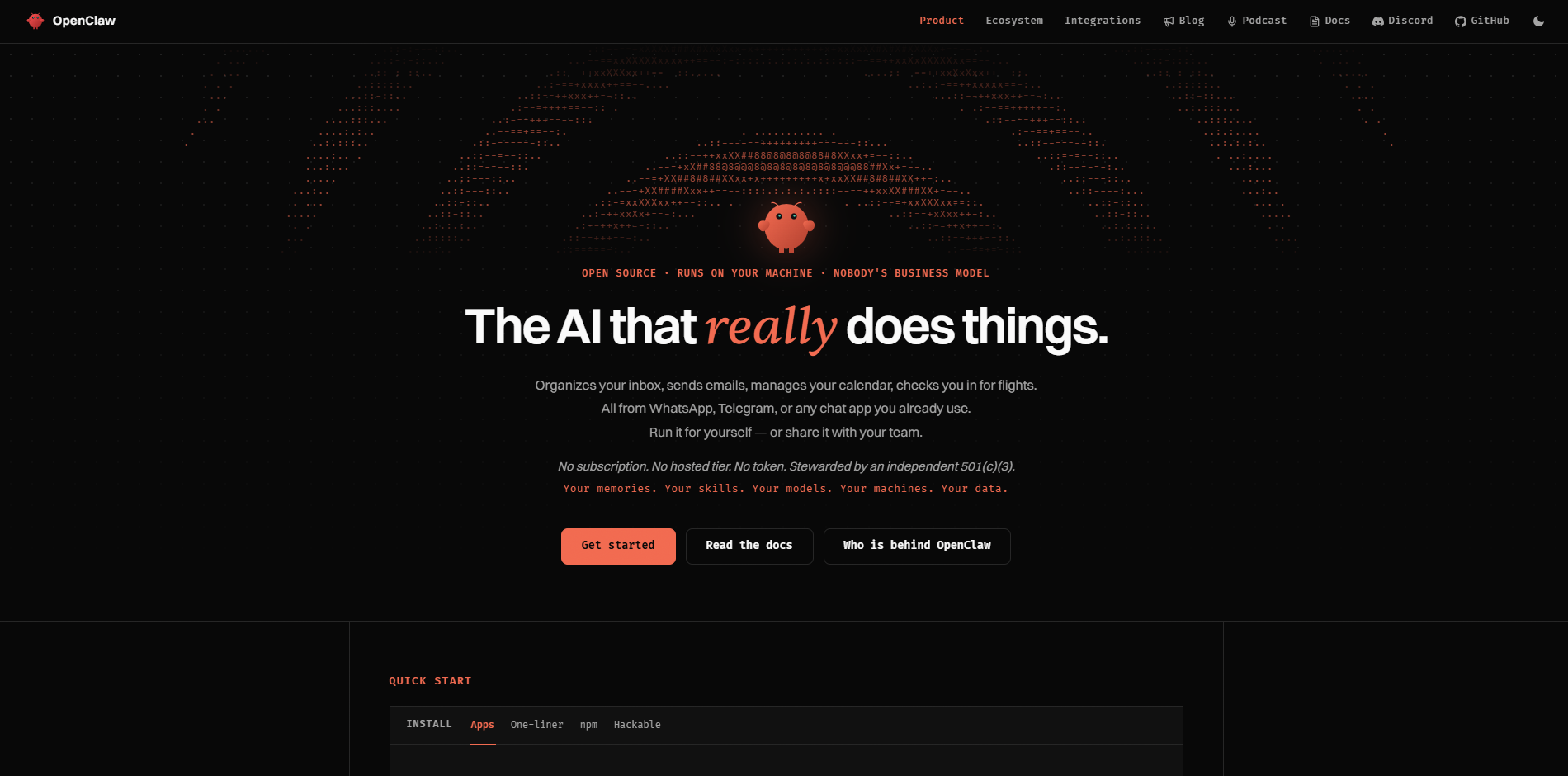
A free, open-source agent that runs locally on your own machine rather than inside a company's cloud, created by developer Peter Steinberger and released under the name OpenClaw after starting life as Clawdbot and then Moltbot. It reached hundreds of thousands of GitHub stars within months of release, driven largely by developers sharing what it could do once given real system access: reading files, running commands, and messaging back through apps people already use. That combination of openness and genuine capability is why it keeps coming up in nearly every serious 2026 agent comparison.
Features:
Runs locally with read/write access to the files and folders you approve
Messaged through everyday apps: WhatsApp, Telegram, Discord, or Signal
Executes shell commands, manages Docker containers, and automates browser actions
More than 100 built-in skills, with an active community adding more
Model-agnostic, so you can connect your own cloud or local model
Scheduled background tasks that run without a fresh prompt each time
Limitations:
Requires technical setup: installing, configuring permissions, and connecting a model
Broad system access means a poorly scoped setup carries real security risk
No official vendor support; you rely on community documentation and your own configuration
Pricing:
Free and open-source
No subscription; you pay only for the model or API key you connect it to
Best for: technical users who want a genuinely proactive personal agent and are comfortable running it themselves.
5. Grok Bot
Grok Bot is xAI's AI agent, launched in beta on August 11, 2026. Instead of just answering a question and stopping, like the regular @grok chatbot on X, you give it a real task, like handling emails or a multi-step job, and it works on its own, using its own cloud computer to log into apps and websites. It only checks in when it needs your approval.
It launched alongside xAI's newest Grok model, as part of a broader push toward AI agents that finish jobs rather than just discuss them.
Features:
Each bot gets a persistent cloud computer with its own browser, filesystem, and terminal
Signs into your existing tools and apps using your own credentials
"Teach a Task" turns a demonstrated workflow into a reusable, schedulable routine
Multiple bots can coordinate together on a shared task
Works through jobs end to end, returning only when a decision needs approval
Backed by xAI's current-generation Grok models for reasoning
Limitations:
No free tier; access requires an existing paid subscription bundle
Still in early, limited beta with evolving reliability
xAI's marketing described separate Bots as having their own computer, while its technical documentation says Bots actually share one persistent machine, a gap worth understanding before granting real credentials
Pricing:
No free tier
Bundled into SuperGrok Heavy, Cursor Ultra ($200/month), or Cursor Teams Premium ($120/seat/month)
Enterprise: waitlist only
Best for: people already paying for SuperGrok Heavy or Cursor's higher tiers who want an always-on agent bundled in.
Side-by-Side Comparison of General Assistant
Comparison Basis | ChatGPT | Claude | Google Gemini | OpenClaw | Grok |
|---|---|---|---|---|---|
AI Capabilities & Reasoning | General reasoning, writing, coding, research, and analysis | Strong reasoning, writing, coding, and document analysis | General reasoning with deep Google ecosystem integration | Depends heavily on the model and tools configured | General reasoning with access to xAI capabilities |
Task & Action Capabilities | Browsing, file creation, research, and agent tasks | Executes tasks through conversations and connected tools | Acts across Google apps and connected services | Executes local files, shell, browser, and computer tasks | Handles multi-step tasks through connected tools |
Personalization & Memory | Cross-session memory and personalization | Projects provide persistent context and instructions | Personalization connected to Google account and services | Local context and user-configured memory | Personalization through Grok account and platform context |
Productivity & Workflow Support | Planning, research, writing, coding, analysis, and general productivity | Strong for writing, analysis, research, and knowledge work | Strong for Google Workspace productivity | Strong for personal computer and automation workflows | General productivity and task assistance |
Integrations & Connected Apps | Broad connector and app ecosystem | Connectors for common work and productivity tools | Deep Google Workspace integration | Connects to messaging, computer, and external tools | Integrates with xAI and supported third-party tooling |
Automation & Autonomy | Agentic capabilities for delegated tasks | Can perform multi-step tasks with tools | Increasingly agentic, particularly within Google's ecosystem | Designed for persistent and background automation | Supports longer-running tasks through its agentic tooling |
Multimodal Capabilities | Text, images, voice, files, and other media | Text, images, and documents | Text, images, audio, video, and files | Depends on connected model and tools | Text, images, and other supported media |
Web Search & Information Access | Built-in web search and research capabilities | Web search and research capabilities | Strong integration with Google Search | Web access through configured tools | Real-time access to X and web information |
Ease of Use & Reliability | Low learning curve for general users | Low learning curve, particularly for writing and analysis | Familiar for Google users | More technical and configuration-heavy | Consumer-focused interface with evolving agent capabilities |
Pricing & Value | Free tier with paid plans for higher limits and advanced capabilities | Free tier with paid plans for higher usage and features | Free access with paid Google AI plans | Open-source software, with infrastructure and model/API costs depending on setup | Free and paid access, depending on product and usage |
Best AI Business Assistants
6. YourGPT
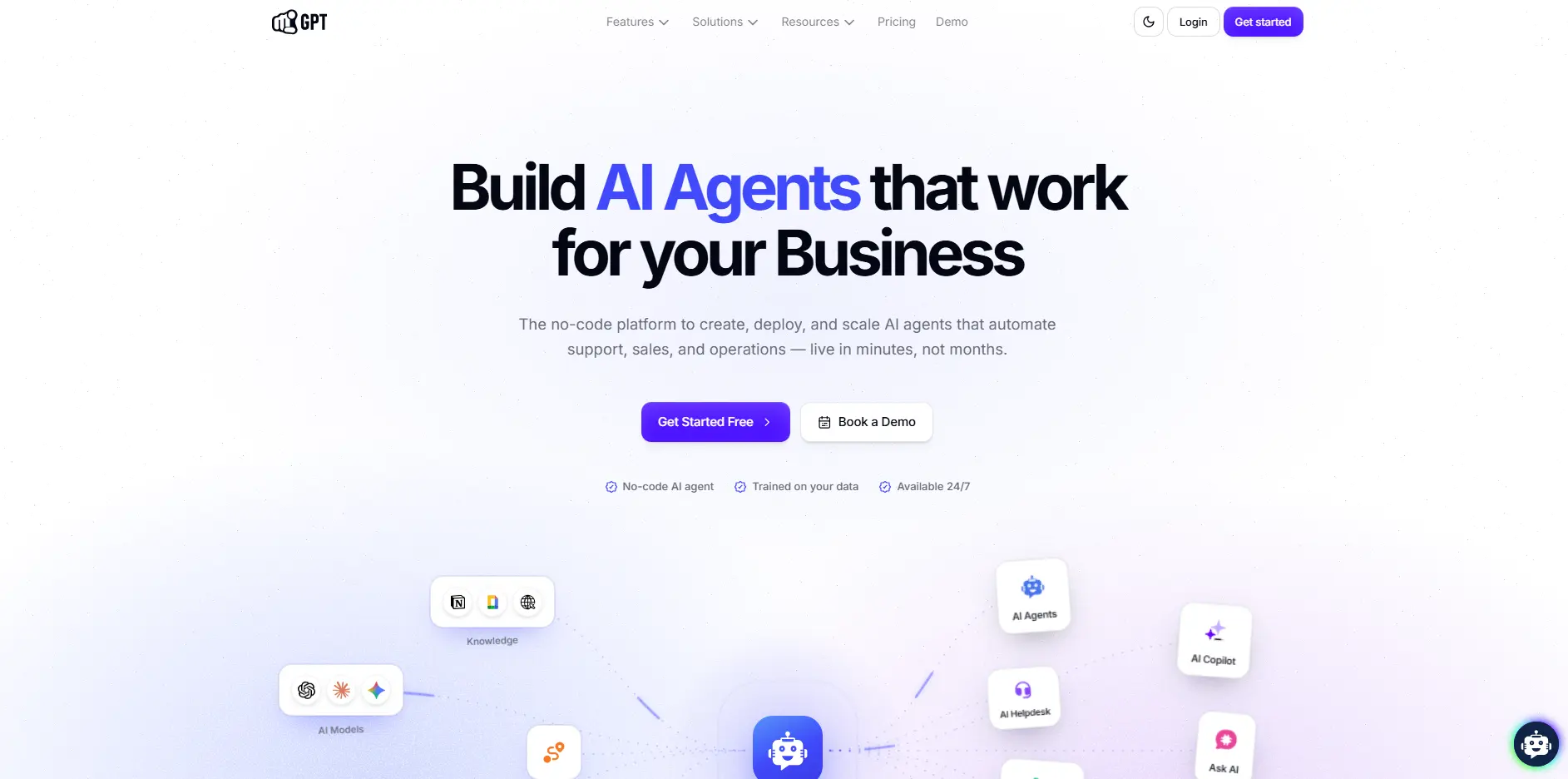
A no-code AI agent platform built for customer service, sales, and operational automation, using a business's own data, policies, and processes as its foundation. Teams connect what they already know about their customers and workflows, and the platform's agents can then answer questions, qualify leads, and execute multi-step actions across connected systems, with a human still able to step in whenever a request needs one. YourGPT's Autonomous AI has reported resolution rates above 90% in production deployments, a production figure rather than a guarantee for every account.
Features:
No-code agent builder configured around a business's own data, policies, and processes
Answers customer questions and qualifies leads using that business context
Executes multi-step actions across connected systems and APIs
Human handoff for conversations that need a person
Self-learning from unresolved conversations to close knowledge gaps over time
Omnichannel deployment across supported communication channels
Limitations:
Not built for personal task management; won't manage an individual's calendar or inbox
No native ticket-creation feature; ticketing depends on separately confirmed integrations
Specific integrations vary by setup rather than a fixed, universal list
Pricing:
Essential: $39/mo billed annually
Professional: $79/mo billed annually
Advanced: $349/mo billed annually
Enterprise: custom pricing
Best for: solo founders and small teams who want a business-facing AI agent handling customer conversations, not their own personal calendar or inbox.
7. Lindy
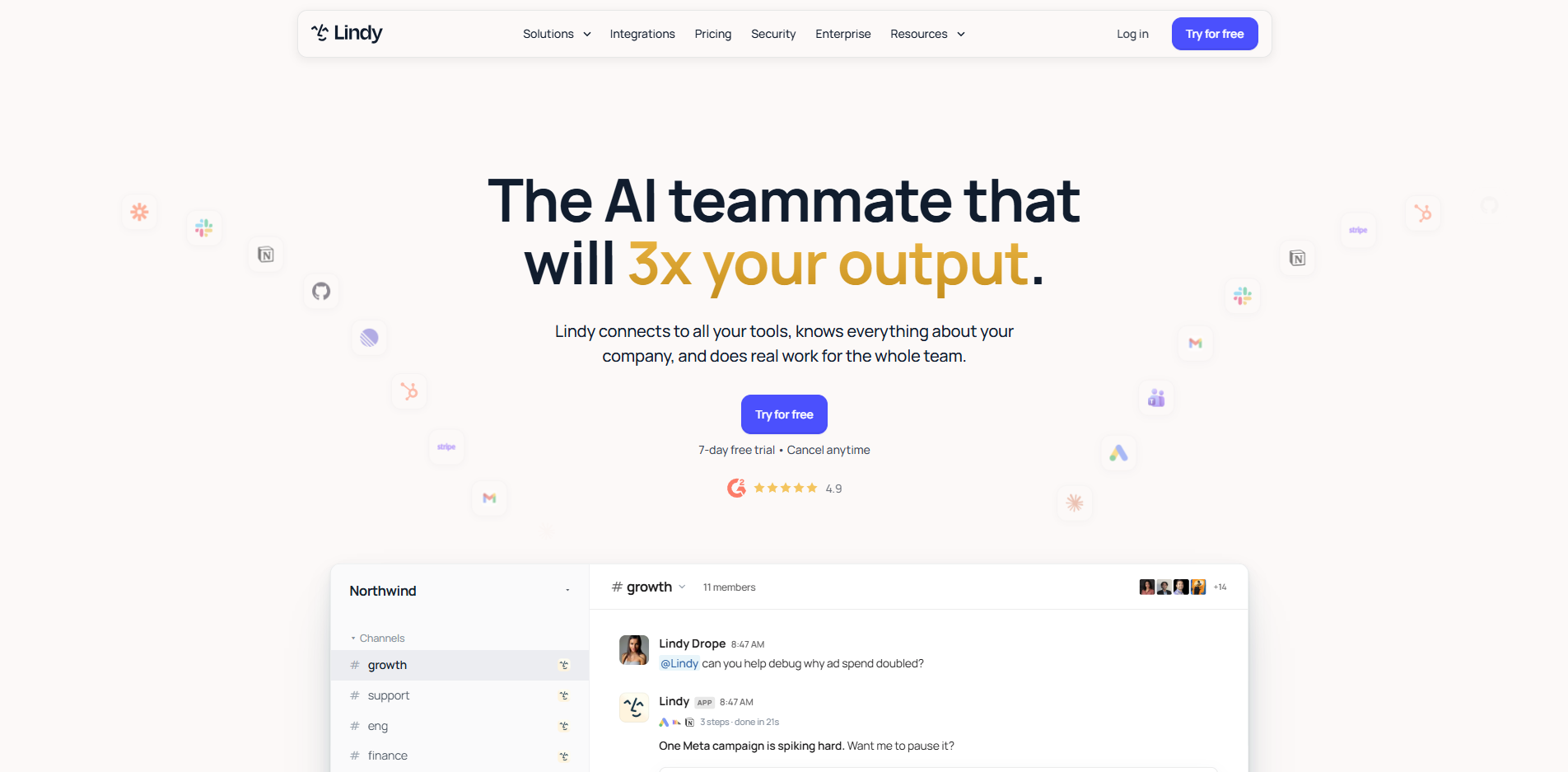
A cross-app automation builder that connects to tools like Gmail, Slack, and CRMs, building automations from plain-English instructions rather than a visual flowchart or block of code. Founded by Flo Crivello, Lindy repositioned itself in early 2026 as a consumer-facing AI executive assistant rather than a pure workflow-automation tool, and its own pricing page now anchors its cost against hiring a human assistant instead of against other no-code platforms.
Features:
Builds automations ("Lindys") from plain-English instructions, no coding required
Handles email drafting, meeting prep, and calendar management
Connects to inboxes, calendars, and CRMs for multi-step workflows
Computer-use and model-selection options on higher tiers
Multiple connected inboxes supported on Pro and Max plans
Refines workflows the more they repeat
Limitations:
No free plan; only a 7-day trial before billing starts
Usage is credit-metered, and Lindy no longer publishes exact quotas for its current tiers
Setup and workflow design take real time upfront before it starts saving any
Pricing:
Plus: $29.99/mo/user, 3,000 credits, everyday usage.
Pro: $99.99/mo/user, 15,000 credits, 5x Plus.
Max: $199.99/mo/user, 35,000 credits, heaviest workloads.
Enterprise: custom, adds HIPAA/BAA, shared credits, dedicated support.
Best for: repeatable, multi-app tasks you would otherwise hand off to a person.
Side-by-Side Comparison of AI Business Assistants
Comparison Basis | YourGPT | Lindy |
|---|---|---|
Primary Use Case | Customer support, sales, and operational automation | Business workflows, personal productivity, and team automation |
AI Agents | Action-taking agents for support, sales, and operations | AI agents built around business workflows and tasks |
Customer Support Automation | Built specifically for customer-facing support automation | not purposely built for customer support |
Autonomous Resolution | Autonomous AI has reported resolution above 90% in production deployments | Automates tasks according to configured workflows |
Action & Execution | Executes multi-step actions across connected business systems and APIs | Executes multi-step workflows across connected applications |
Self-Learning | Learns from unresolved conversations and customer interactions to identify knowledge gaps | Workflow behavior is primarily defined through configured instructions and automations |
Omnichannel Support | Website, WhatsApp, Instagram, Telegram, Slack, phone, and other channels | Primarily workflow and application-based communication |
Business Knowledge | Connects business data, policies, processes, rules, websites, documents, and knowledge sources | Uses connected business data and application context |
Sales Automation | Qualifies leads, answers questions, guides prospects, and executes sales actions | Automates lead and sales workflows through connected applications |
Operational Automation | Executes actions across CRMs, APIs, business systems, and other connected tools | Automates repetitive operational workflows across connected apps |
Workflow Builder | Agentic flow builder for multi-step, conditional, and multi-agent workflows | Visual workflow and agent automation |
Integrations | Business systems, APIs, CRMs, ecommerce platforms, communication channels, and other tools | Broad ecosystem of business applications and services |
Human Handoff | Supports escalation from AI to human teams | Workflows can incorporate human involvement and approvals |
Best Fit | Teams automating customer support, sales, and business operations | Teams automating internal workflows, productivity, and business processes |
Pricing Model | AI credit-based pricing, starting from $39/month billed annually | Subscription and usage-based pricing depending on plan and workflow usage |
Choosing the Right AI Personal Assistant
The seven tools above aren't built for exactly the same job, so match your needs to the assistant that actually fits them, not simply the one ranked highest.
General-purpose AI assistance → ChatGPT. If you want one assistant for writing, research, coding, files, web searches, and quick tasks without much setup, ChatGPT is a versatile choice.
Long documents and context-heavy work → Claude. If your work involves detailed writing, large documents, or projects that require the assistant to retain context and instructions, Claude is the better fit.
Google Workspace productivity → Google Gemini. If your work already revolves around Gmail, Docs, Sheets, and Calendar, Gemini's deep Google integration makes it a natural choice.
A self-hosted autonomous agent → OpenClaw. If you want an assistant that can work with your files, run commands, interact with apps, and handle scheduled tasks on your machine, OpenClaw offers more control, provided you're comfortable with the technical setup.
Hands-off task execution → Grok Bot. If you want to hand an entire task to an AI agent and let it work independently on a cloud computer, Grok Bot is the most autonomy-focused option here, although its beta status and paid access are worth considering.
Customer support, sales, and automation → YourGPT. If your "assistant" needs to work for your business rather than manage your personal day, YourGPT is built to answer customer questions, qualify leads, and execute actions across connected business systems.
Multi-app workflow automation → Lindy. If you want to delegate repetitive work across your inbox, calendar, CRM, and other connected apps, Lindy is a strong fit for building repeatable workflows.
Suggested reading: Context Engineering for AI Agents.
Frequently Asked Questions
Is OpenClaw safe to run?
It depends entirely on how you scope its permissions. Because it can read and write files and run shell commands on your own machine, the safety question is really a configuration question: give it broad, unscoped access and you are trusting an LLM with your whole system; scope it tightly and the risk drops with it.
Is Grok Bot the same as the Grok chatbot on X?
No. The @grok chatbot on X answers questions when tagged in a post. Grok Bot is a separate, newer product: a paid, beta agent that gets its own cloud computer and works through tasks unsupervised.
What does YourGPT actually do, and who is it built for?
YourGPT is a no-code AI platform for customer service, sales, and operations. Businesses connect their data, policies, and processes so AI agents can answer customer questions, qualify leads, and take multi-step actions across connected systems. When a request needs human attention, a person can take over the conversation. It is built for businesses that want to automate customer-facing and operational work, not for personal task management.
Do I need a paid plan to get real value from any of these?
ChatGPT, Claude, and Google Gemini all have usable free tiers for everyday reactive tasks. OpenClaw is free and open-source outright, though you pay for whatever model you connect it to. Grok Bot has no free tier at all. YourGPT and Lindy are built for business use, so both are evaluated against the cost of the work they replace, not against a free alternative.
Can ChatGPT or Claude act as autonomously as OpenClaw or Grok Bot?
Not yet, by default. Both are adding agent and connector features that take limited action inside a conversation, but neither runs in the background on a schedule the way OpenClaw or Grok Bot are built to. If ongoing action is required and it is unsupervised, the autonomous tier is currently the better fit.
Conclusion
The AI assistant market will continue to change. New models, agents, integrations, and products will appear, and today's feature comparisons will age quickly. What matters longer is not which tool claims to be the "best AI personal assistant," but what you actually need the assistant to do.
If you need help with writing, research, coding, planning, or everyday tasks, start with the personal assistants section. If your goal is customer support, sales, or business automation, look at the business-focused platforms separately. The right choice depends on the work you need done, the systems involved, and how much autonomy you want.
Don't judge a tool from a demo alone. Give it a real task and use it for a week. Test the quality of its output, how reliably it completes actions, how it handles edge cases, and whether it actually saves you time. The tool that remains useful after the novelty wears off matters more than the one that makes the biggest splash on launch day.
Once you know which assistant fits your work, the next step is learning how to use it well. PromptsBuddy's prompt library and prompt collections give you ready-to-use starting points for putting your chosen assistant to work.