Prompts Buddy Top 50 Daily Prompts for Tech Leaders
50 ready-to-use AI prompts for tech leaders, covering planning, 1:1s, incident response, and more. Copy, customize, and start saving hours each week.

PromptsBuddy
Editorial
Fifty AI prompts, one goal: give tech leaders back a few hours of their week.
If you lead a team, you already know the feeling: ten tabs open, three decisions waiting, and a calendar with no real gaps left in it. You're not short on tools. You're short on time, and that's precisely where a good AI prompt earns its keep.
This isn't a list of clever tricks to impress your team. It's 50 plain-English prompts you can copy, paste, and use today, built around the real moments that eat up a tech leader's day: planning, hiring, reviewing code, updating the board, handling an outage, and everything in between.
One honest note before you dive in: none of these are magic. Treat them as a starting point, not a finished answer. Replace the details with your own, run them a few times, and keep the ones that actually save you time. That's really the only way to know if a prompt is worth keeping.
Writing Effective AI Prompts
The 50 AI prompts in this guide are designed to help tech leaders with everyday tasks, from setting priorities and reviewing technical decisions to managing teams and planning projects.
For better results, avoid copying a prompt without adding context. Replace the variables with relevant information about your team, project, or business.
Each prompt works best when it includes five elements:
Task: Clearly state what you want AI to do, such as reviewing an architecture proposal or identifying project risks.
Context: Provide relevant details, including business goals, team capacity, deadlines, or technical requirements.
Constraints: Specify any limitations, priorities, or conditions the AI must follow.
Output: Define the expected format, such as a comparison table, action plan, checklist, or decision summary.
Uncertainty: Tell AI to flag missing information, separate facts from assumptions, and avoid inventing details.
For example, instead of asking "Help me prioritize my engineering tasks," provide your current task list, deadlines, available resources, and project dependencies. Ask AI to rank the tasks, explain its reasoning, and identify potential blockers.
1. Strategic Planning & Decision-Making
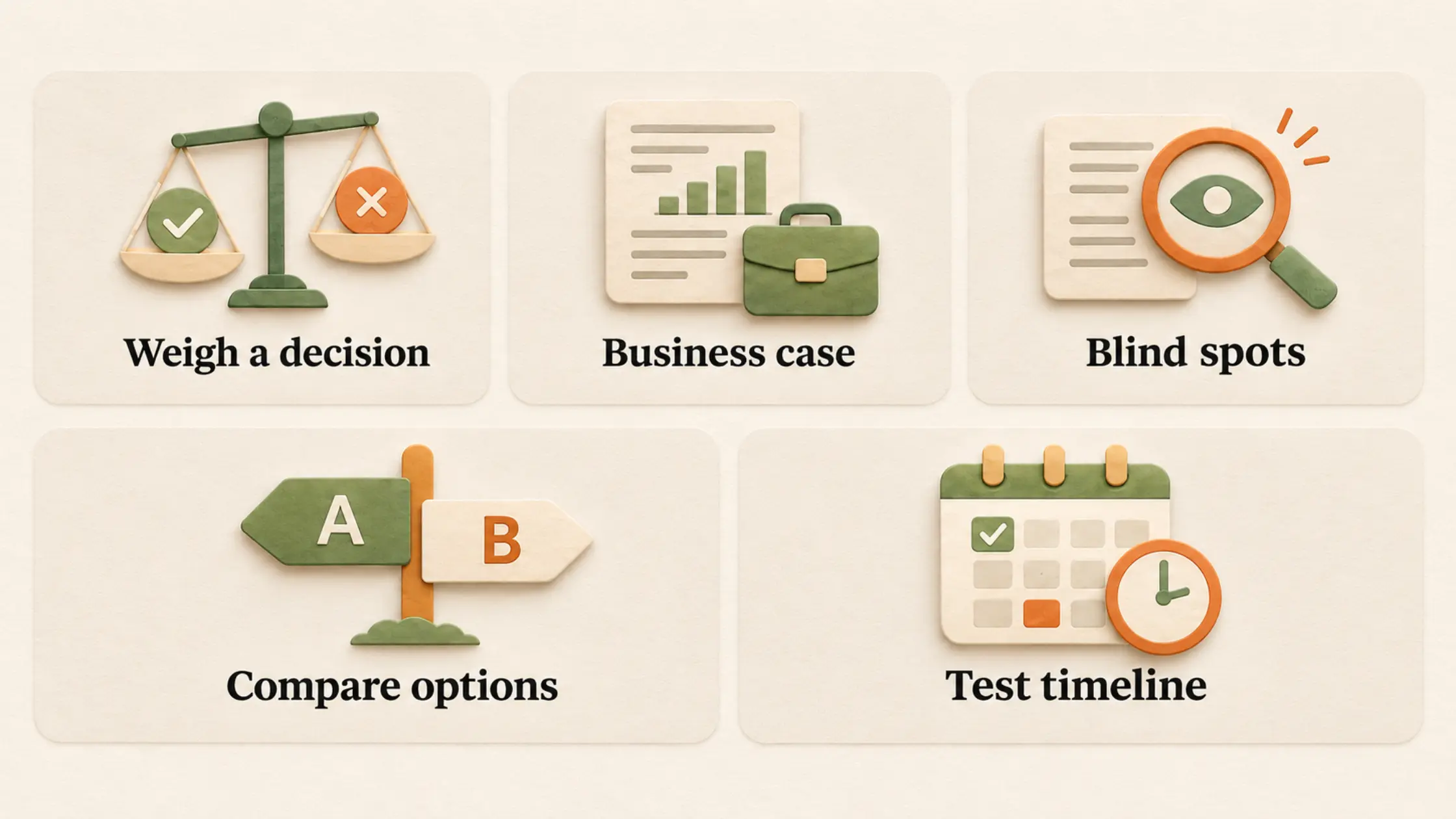
Major decisions rarely have a straightforward answer. You need to understand the trade-offs, challenge your assumptions, and consider what could go wrong before committing time, money, or resources. These five prompts can help you examine decisions from different angles.
1. Evaluate a Strategic Decision
I'm considering the following decision: {{decision}}.
Here is the business context: {{context}}.
Evaluate this decision from a business and operational perspective. Identify:
The three strongest arguments in favor of it.
The three strongest arguments against it.
The potential short-term and long-term consequences.
The assumptions that need to be validated.
The most important question I should answer before committing.
Don't give me a balanced answer just for the sake of it. If one side has a stronger case, explain why.
Use this when evaluating decisions involving significant investment, resources, or long-term commitments.
Use it before any decision that's difficult to reverse.
2. Build a Business Case Before Investing
I want to evaluate the business case for the following initiative: {{idea}}.
Help me prepare a concise business case covering:
Business problem: What problem are we solving, and who is affected?
Proposed solution: What are we planning to do, and how does it address the problem?
Expected value: What measurable business outcomes could it deliver?
Investment required: Estimate the people, time, technology, and financial resources needed.
Cost of inaction: What happens if we don't pursue this?
Risks: What could prevent the initiative from delivering its expected value?
Separate known facts from assumptions. Where information is missing, identify what needs to be investigated rather than inventing figures.
Use this before presenting a new initiative or requesting budget approval.
Handy right before a budget conversation.
3. Find the Weaknesses in Your Plan
Here's my current plan for {{project_or_initiative}}:
{{plan}}
Review it as a skeptical technology leader who is responsible for its success. Don't simply validate my approach.
Identify the three biggest risks or weaknesses, including assumptions that may not hold up, dependencies I've overlooked, and potential execution problems.
For each issue, explain:
Why it matters.
How likely it is to occur.
What its impact could be.
What I can do to prevent or reduce it.
Prioritize issues that could genuinely affect the outcome rather than listing hypothetical problems.
Use this before finalizing a project plan or presenting it to leadership.
A quick check-in before a plan is finalized.
4. Compare Two Strategic Options
I'm evaluating two options for {{business_requirement}}:
Option A: {{option_a}}
Option B: {{option_b}}
Business context: {{context}}
Compare both options across:
Total cost of ownership, including ongoing expenses.
Implementation time and complexity.
Technical feasibility and integration requirements.
Operational risks and maintenance requirements.
Impact on the existing team and workflows.
Ability to support future business requirements.
Highlight the trade-offs that matter most. Then recommend one option based on the business context, explain why it is preferable, and identify the circumstances under which the other option would make more sense.
Don't assume either option is better without evidence.
Use this for build-versus-buy decisions, vendor selection, architecture choices, and technology investments.
Good for build-vs-buy calls or vendor picks.
5. Identify Risks in Your Project Timeline
Review the following project timeline and assess whether the proposed delivery dates are realistic.
Project: {{project_name}}
Timeline: {{timeline}}
Team capacity: {{team_capacity}}
Dependencies: {{dependencies}}
Identify milestones most likely to be delayed. For each one, explain the underlying risk, dependencies that could affect delivery, and whether the estimated time accounts for testing, reviews, and unexpected issues.
Then suggest:
Which milestones need additional time.
Where work can happen in parallel.
Which dependencies need attention first.
What contingency should be built into the schedule.
Be realistic rather than optimistic. If the deadline is unlikely to be achievable with the available resources, explain why and suggest a more defensible timeline.
Use this before committing delivery dates to stakeholders or leadership.
Run this before you commit a date to leadership.
2. Team Communication & Leadership
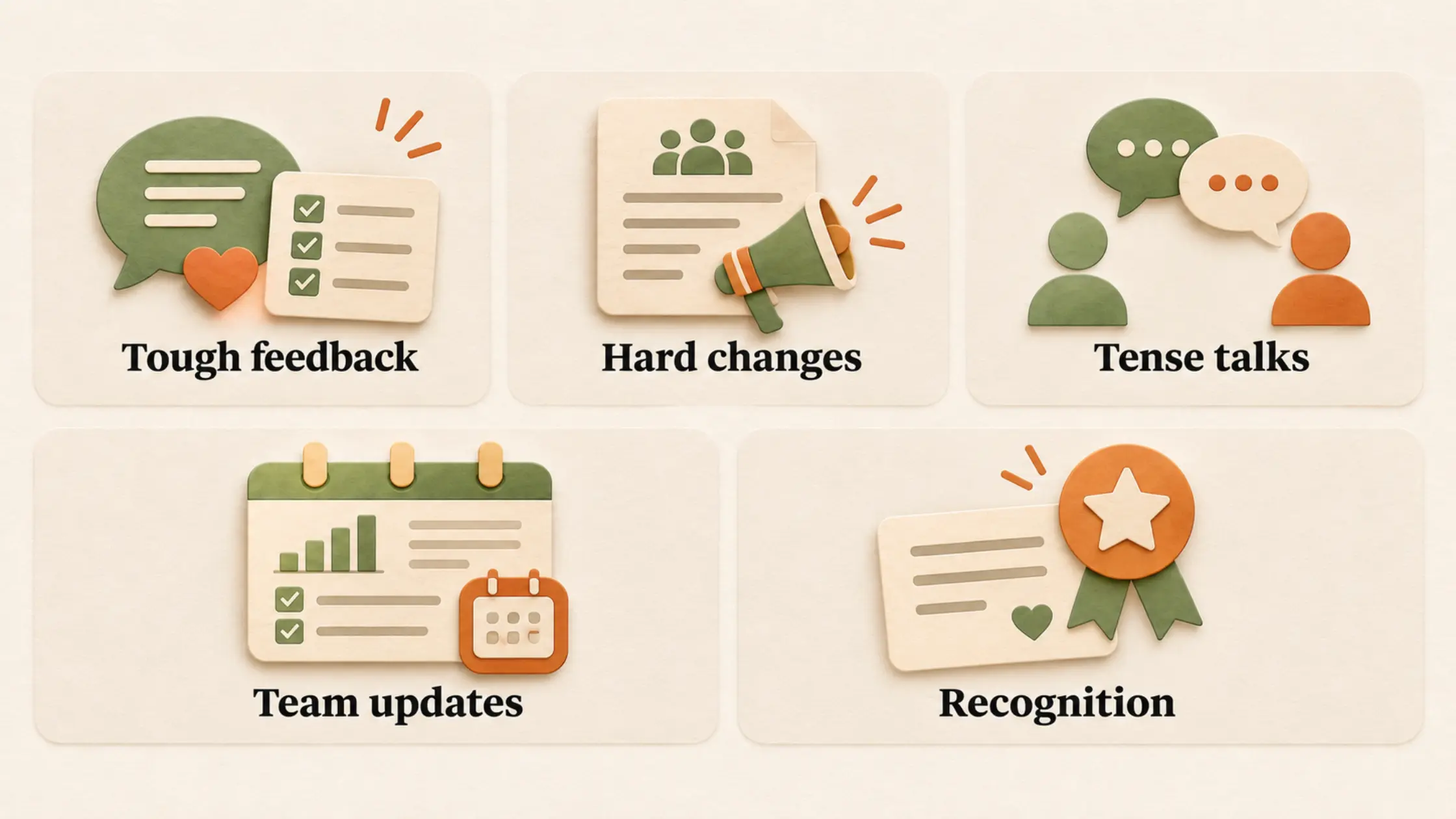
Effective leadership is mostly effective communication, said clearly and often. These prompts help you say the difficult thing in a way people can actually hear.
1. Deliver tough feedback kindly
I need to give a team member feedback about a specific issue. Help me communicate it directly without making the person feel personally attacked.
Focus on the behavior, its impact on the team or work, and what needs to change. Keep the tone respectful and constructive. Avoid vague criticism, unnecessary praise, or corporate language. End with one clear, actionable next step.
Issue: {{issue}}
Impact: {{impact}}
Expected change: {{expected_change}}
2. Communicate a Difficult Change to Your Team
Help me write a team announcement about an upcoming change: {{change}}.
Explain why the change is happening, what it means for the team, when it takes effect, and what will remain unchanged. Be transparent about any uncertainty or disruption. Address the questions team members are most likely to have without making promises we cannot guarantee.
Keep the message clear, honest, and reassuring without downplaying the impact.
Change details: {{change_details}}
Effective date: {{date}}
Reason: {{reason}}
3. Prepare for a Difficult Conversation
Help me prepare for a difficult conversation with {{person_role}} about {{topic}}.
First, identify what might make the other person defensive, what concerns they may have, and where we might disagree. Then suggest a natural way to open the conversation without sounding confrontational.
Give me three things to communicate, questions I should ask, and ways to respond if the discussion becomes tense. Keep the advice practical and avoid assuming the other person is at fault.
Context: {{context}}
What I want to achieve: {{desired_outcome}}
4. Write a Weekly Team Update People Actually Read
Turn the following notes into a concise weekly update for my team.
Start with the most important development or decision. Organize the rest into completed work, current priorities, blockers, and upcoming deadlines where relevant. Highlight anything that requires action or attention from the team.
Keep the language natural and specific. Remove repetition, filler, and unnecessary status details. Do not invent progress or commitments that aren't in the notes.
Audience: {{audience}}
Notes: {{notes}}
5. Give Recognition That Feels Genuine
Help me write a genuine thank-you message to {{name}} for {{contribution}}.
Be specific about what they did, why it mattered, and how it helped the team or project. Keep the tone warm and personal without sounding overly formal or exaggerated. Avoid generic phrases such as "great job" or "amazing work" unless they are supported by something specific.
Message context: {{context}}
Actual impact: {{impact}}
3. Hiring & People Management
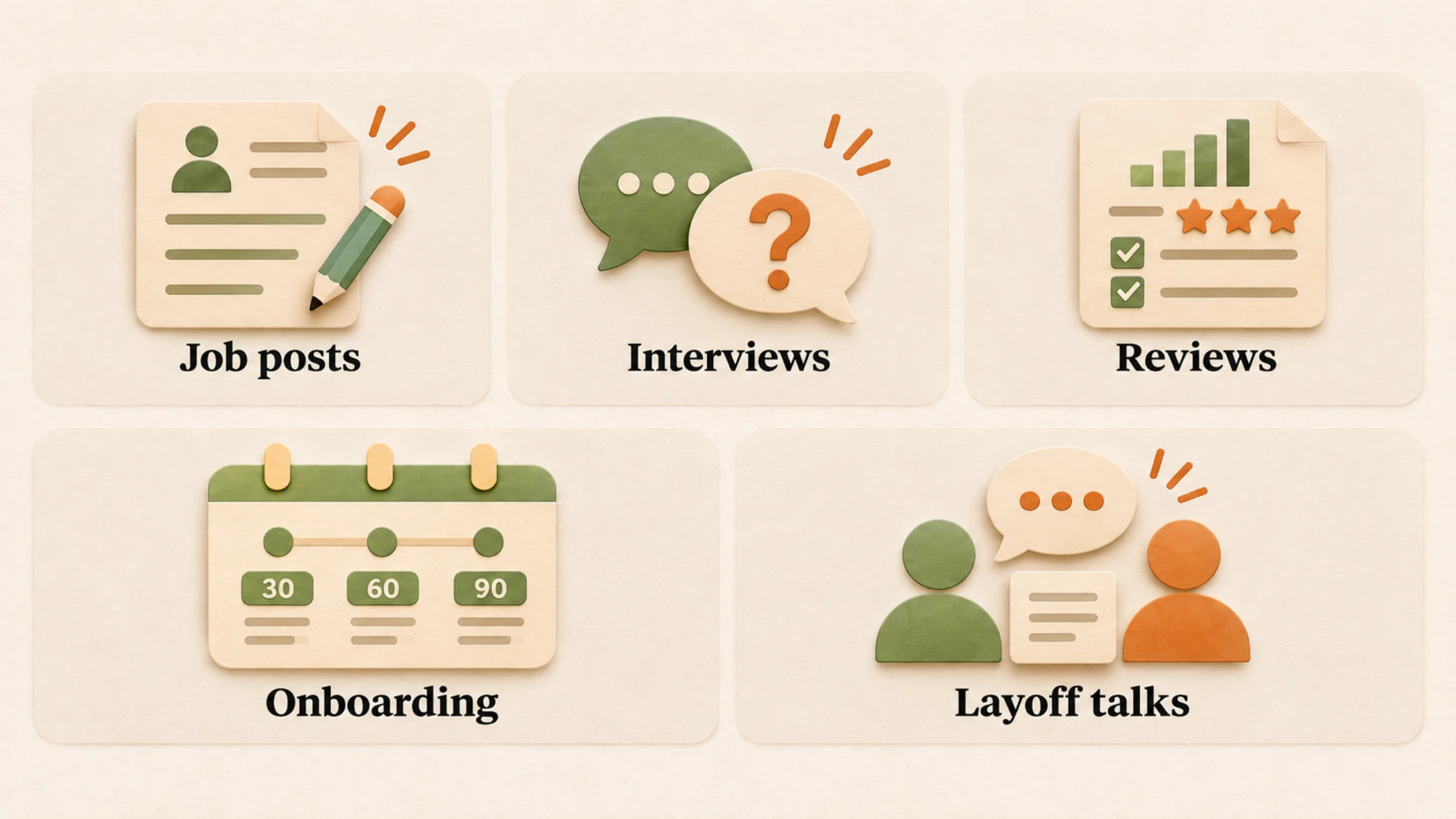
Hiring the right people and helping them succeed takes more than filling open positions or conducting interviews. You need to communicate expectations clearly, assess how candidates approach real problems, and give your team useful feedback. These five prompts can help with some of the work involved.
1. Write a Job Description That Attracts the Right Candidates
I'm hiring for a {{role}} position on my team.
Here is some context about the role:
Team: {{team}}
Key responsibilities: {{responsibilities}}
Required experience: {{experience}}
Technical skills: {{technical_skills}}
Reporting to: {{manager_or_department}}
Write a job description that clearly explains what this person will work on, the skills they need, and what success looks like in their first 90 days.
Include the day-to-day responsibilities, must-have qualifications, and skills that would be an advantage. Avoid generic corporate language, unrealistic requirements, and inflated descriptions of the role.
Make the opportunity sound interesting through the actual work and challenges, not exaggerated promises.
Use this when creating a job listing for an engineering, product, or technical leadership position.
2. Develop Interview Questions That Reveal How Candidates Think
I'm interviewing candidates for a {{role}} position.
The main responsibilities include: {{responsibilities}}.
Help me prepare five interview questions that reveal how candidates approach real situations rather than simply test what they have memorized.
For each question, include:
What competency or skill it evaluates.
What a strong answer should demonstrate.
Potential warning signs in a candidate's response.
One follow-up question to explore their reasoning further.
Include a mix of technical, problem-solving, communication, and decision-making questions relevant to the role. Avoid questions that can be answered with a simple yes or no.
Use this when preparing structured interviews and evaluating candidates consistently.
3. Write a Performance Review Based on Actual Work
Help me prepare a performance review for {{employee_name}}, who works as a {{role}}.
Here are my notes about their performance:
{{performance_notes}}
Structure the review around:
Key contributions: What they delivered and how it affected the team or business.
Strengths: Skills and behaviors they demonstrated consistently.
Areas for improvement: Specific gaps and where progress is needed.
Development opportunities: Skills or responsibilities they could take on next.
Next steps: Two or three measurable goals for the next review period.
Keep the feedback specific and fair. Distinguish between observable performance and personal opinion. Don't invent achievements, soften genuine concerns, or use vague phrases such as "needs to improve communication" without explaining what that means.
Use this when preparing performance reviews, documenting progress, or planning employee development discussions.
4. Create a Practical 30-60-90 Day Onboarding Plan
I'm onboarding a new {{role}} to my team.
Here is some context:
Team structure: {{team_structure}}
Primary responsibilities: {{responsibilities}}
Current projects: {{projects}}
Tools and technologies: {{tools}}
Expected outcomes: {{expectations}}
Create a 30-60-90 day onboarding plan that gradually moves the employee from learning the environment to taking ownership of their responsibilities.
For each phase, outline:
What they should learn and understand.
Tasks and projects they should work on.
People and teams they should collaborate with.
Deliverables or milestones they should complete.
How their progress will be evaluated.
Make the expectations realistic for someone new to the organization. Account for documentation, access setup, mentoring, and time needed to understand existing systems. Avoid assigning ownership before they have the necessary context.
Use this when onboarding new engineers, technical managers, or other key team members.
5. Prepare for a Layoff Conversation
I need to prepare for a layoff conversation with {{employee_name}}.
Here is the relevant context:
Reason for the decision: {{reason}}
Employment circumstances: {{employment_context}}
Communication requirements: {{company_policy}}
Support or transition arrangements: {{available_support}}
Help me prepare a clear and respectful conversation that communicates the decision directly without making the discussion unnecessarily difficult.
Include:
A concise opening that communicates the decision clearly.
A factual explanation of the reason, without speculation or unnecessary detail.
How to explain the next steps, including timing, compensation, benefits, and transition arrangements where confirmed.
How to respond to likely questions or emotional reactions.
A respectful closing that explains what support is available.
Avoid corporate euphemisms, scripted sympathy, or language that makes the decision sound negotiable if it is final. Do not invent legal entitlements, commitments, or company policies. Flag anything that should be confirmed with HR or legal before the conversation.
Use this when preparing for sensitive employment conversations. Coordinate the final communication with HR and follow applicable employment requirements.
4. Technical Reviews & Architecture Decisions
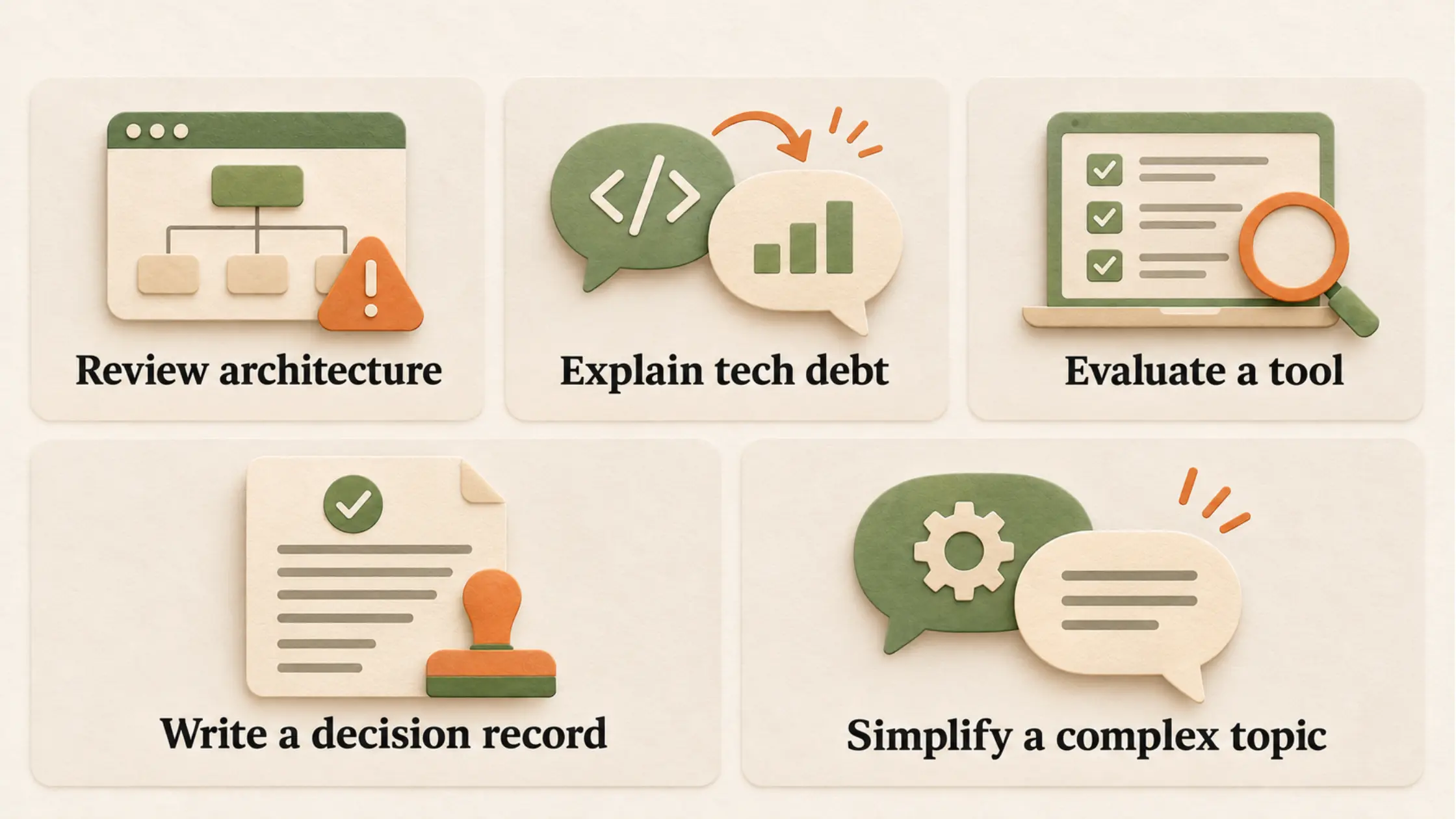
You don't review every line of code anymore, but you still need to ask the right questions. These prompts help you do that fast.
1. Review an architecture proposal
Here's a proposed architecture for [system]: [description]. What are the three biggest risks, and what questions should I ask the team before approving it?
2. Translate tech debt into business terms
Explain this technical debt issue in plain language for a non-technical stakeholder: [issue]. Include what happens if we ignore it for another year.
3. Evaluate a new tool or vendor
We're considering [tool or vendor] for [use case]. List the key questions I should ask in the evaluation, including cost, security, and support.
4. Write a clear technical decision record
Turn this discussion into a short decision record: [notes]. Include the decision, the reasoning, and what we're explicitly choosing not to do.
5. Simplify a complex explanation
Explain [technical concept] the way you'd explain it to a smart person outside engineering, in under 150 words.
5. Stakeholder & Executive Updates
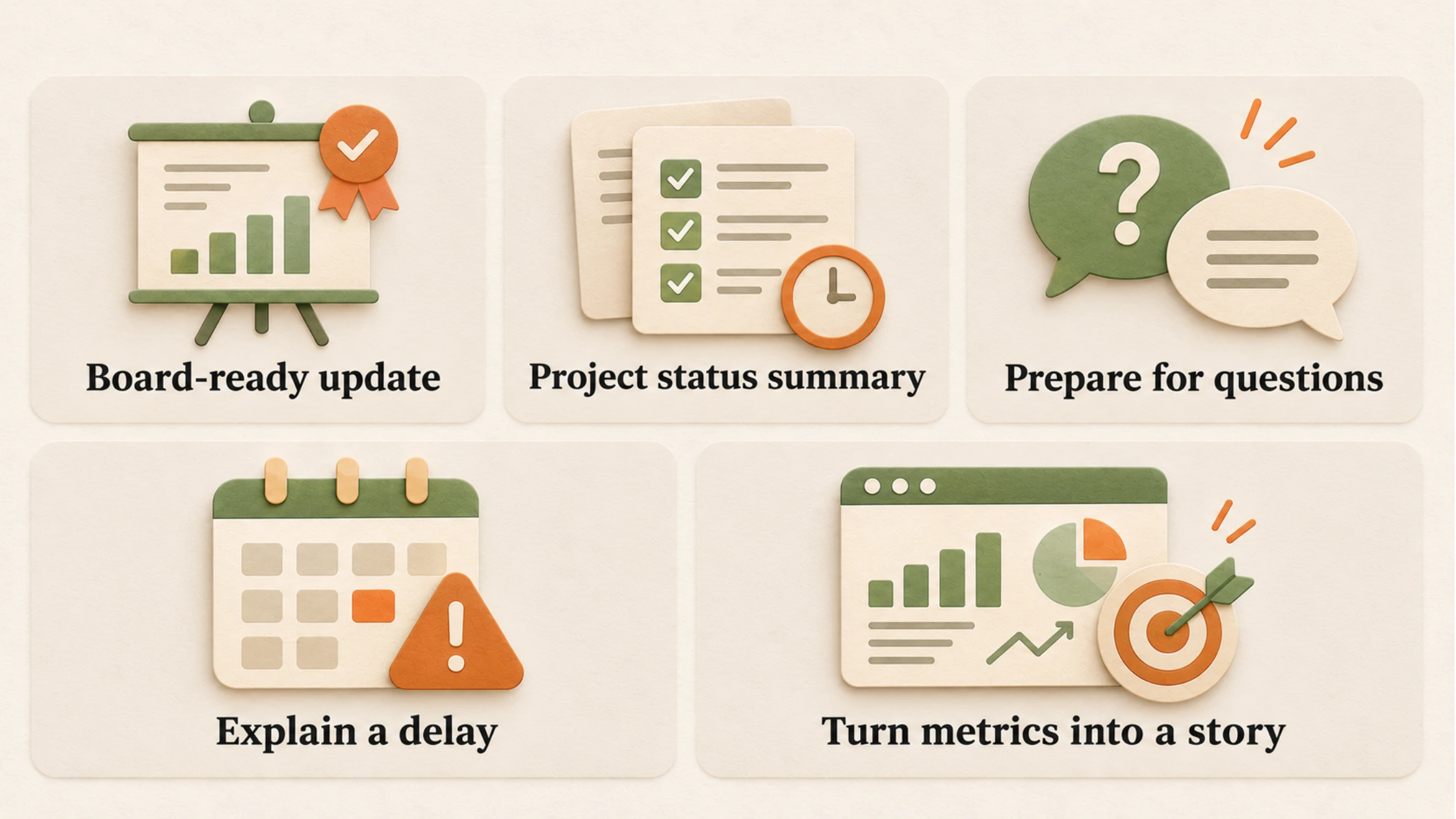
Executives want the headline, not the whole story. These prompts help you get there faster.
1. Write a board-ready update
Turn these notes into a short executive update: [notes]. Lead with the outcome, then the key numbers, then what you need from leadership.
2. Summarize a messy project status
Here's the current status of [project]: [details]. Summarize it in three sentences: what's done, what's at risk, and what decision is needed.
3. Prepare for tough questions
I'm presenting [topic] to leadership. What are the three toughest questions they might ask, and how should I answer each one?
4. Explain a delay without sounding defensive
I need to explain why [project] is delayed. Help me write it honestly, without excuses, and with a clear recovery plan.
5. Turn metrics into a story
Here are our latest metrics: [numbers]. Turn them into three sentences that tell leadership what actually matters.
6. Incident Response & Risk Management
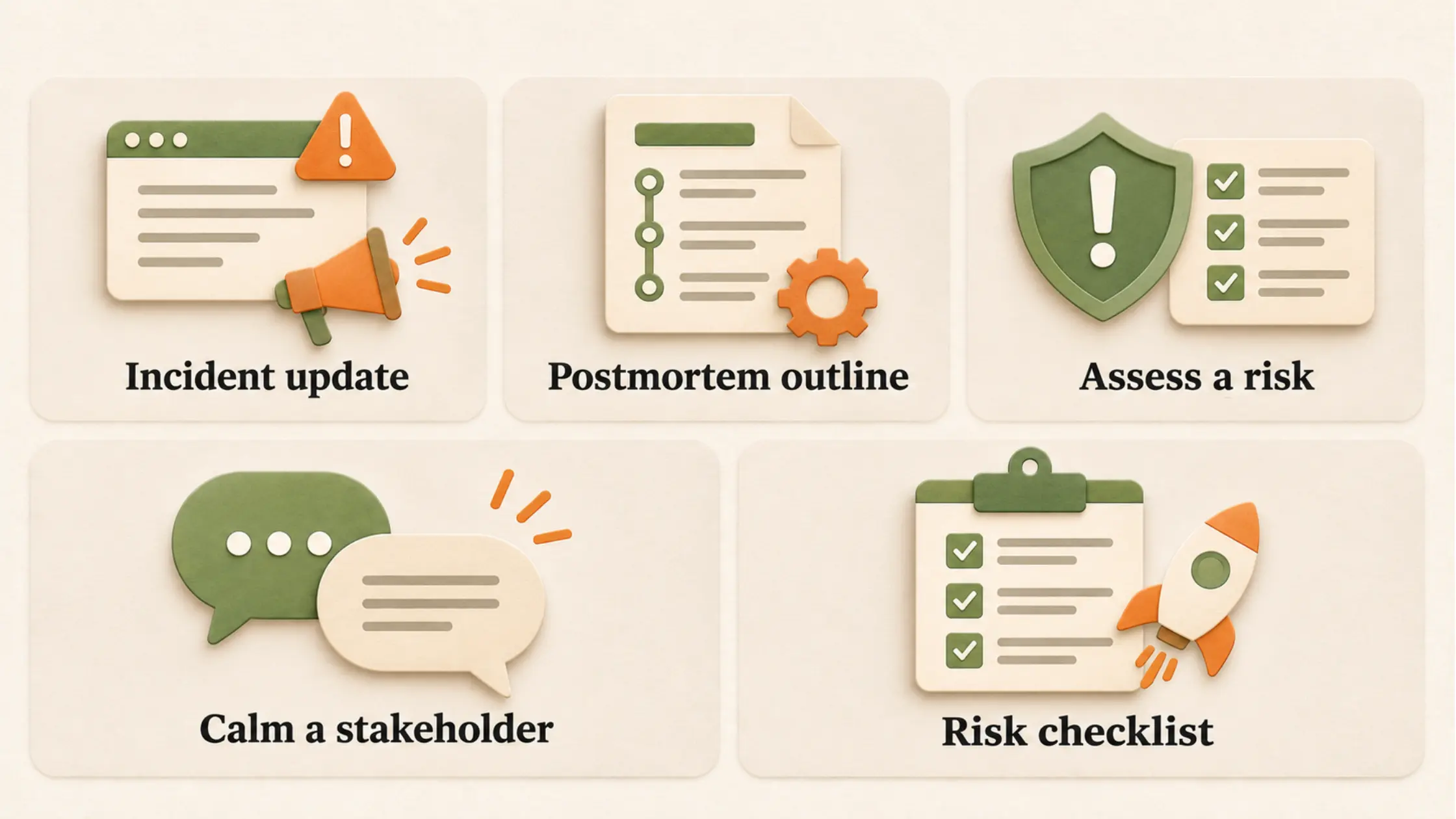
When something breaks, speed and clarity matter more than polish. These prompts help you communicate fast without losing accuracy.
1. Draft an incident update
Write a short incident update for [audience: customers or internal team] about [issue]. Include what happened, current impact, and next update time.
2. Write a postmortem outline
Here are the rough notes from an incident: [notes]. Turn them into a postmortem outline covering timeline, root cause, impact, and action items.
3. Assess a new risk
We're considering [decision or change]. List the top risks this introduces and one way to reduce each one.
4. Calm a worried stakeholder
A stakeholder is worried about [issue]. Help me write a short, honest message that addresses their concern without overpromising.
5. Build a quick risk checklist
We're about to launch [feature or project]. Give me a short pre-launch risk checklist specific to this kind of release.
7. Product & Roadmap Prioritization
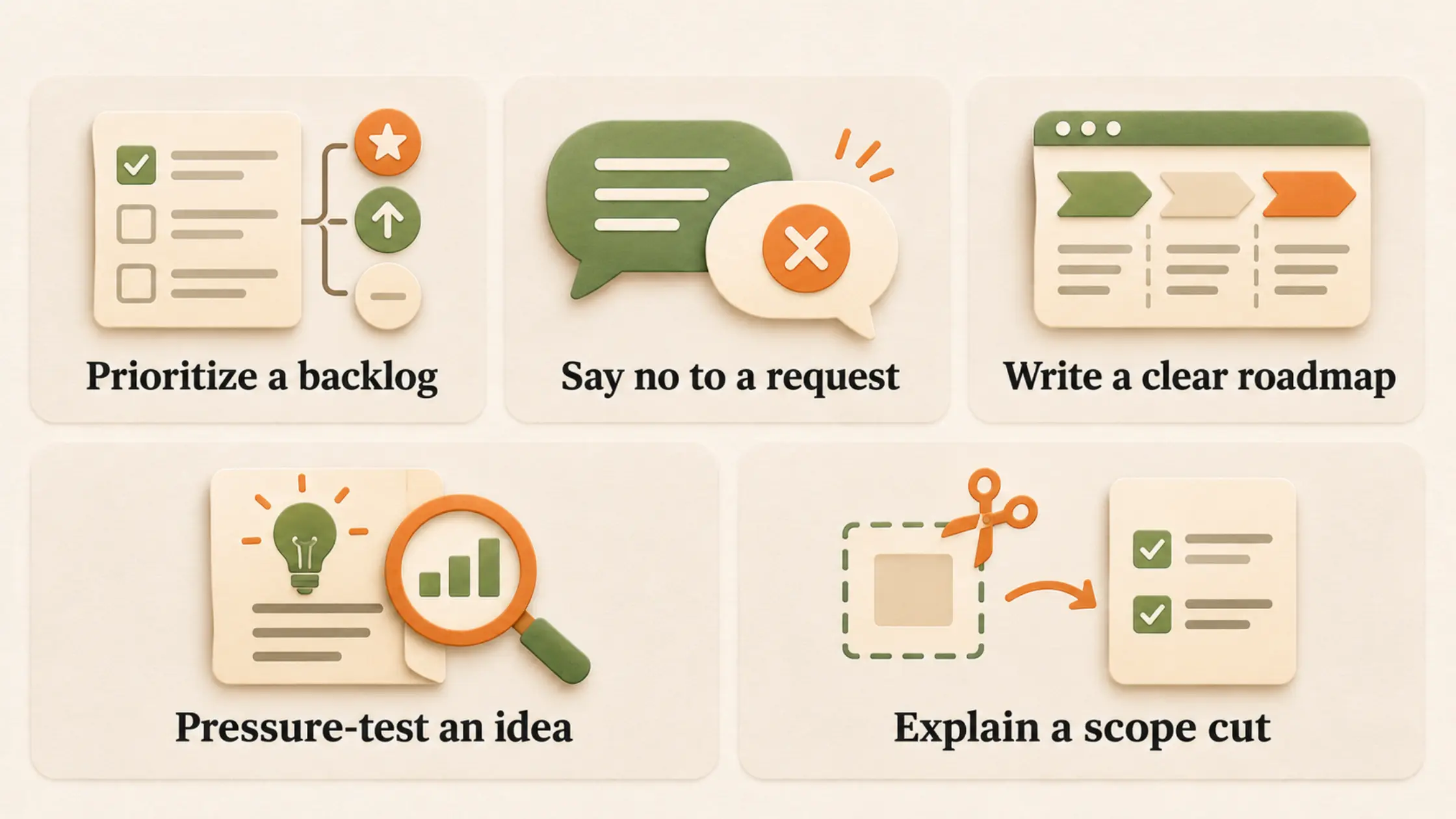
Everything feels urgent until you actually have to rank it. These prompts help you make the call and explain it clearly.
1. Prioritize a messy backlog
Here's my current backlog: [list]. Help me rank these by impact versus effort, and flag anything that looks like a quick win.
2. Say no to a feature request
I need to decline this feature request: [request]. Write a response that explains why, without sounding dismissive.
3. Write a roadmap in plain language
Turn this roadmap into something a non-technical audience can follow: [roadmap]. Group it into now, next, and later.
4. Pressure-test a feature idea
Here's a feature idea: [idea]. What assumptions is this idea making, and how could we test the riskiest one cheaply?
5. Explain a scope cut
We're cutting [feature or scope] from this release. Help me explain this to the team and to stakeholders in a way that doesn't feel like a failure.
8. Meetings & 1:1s
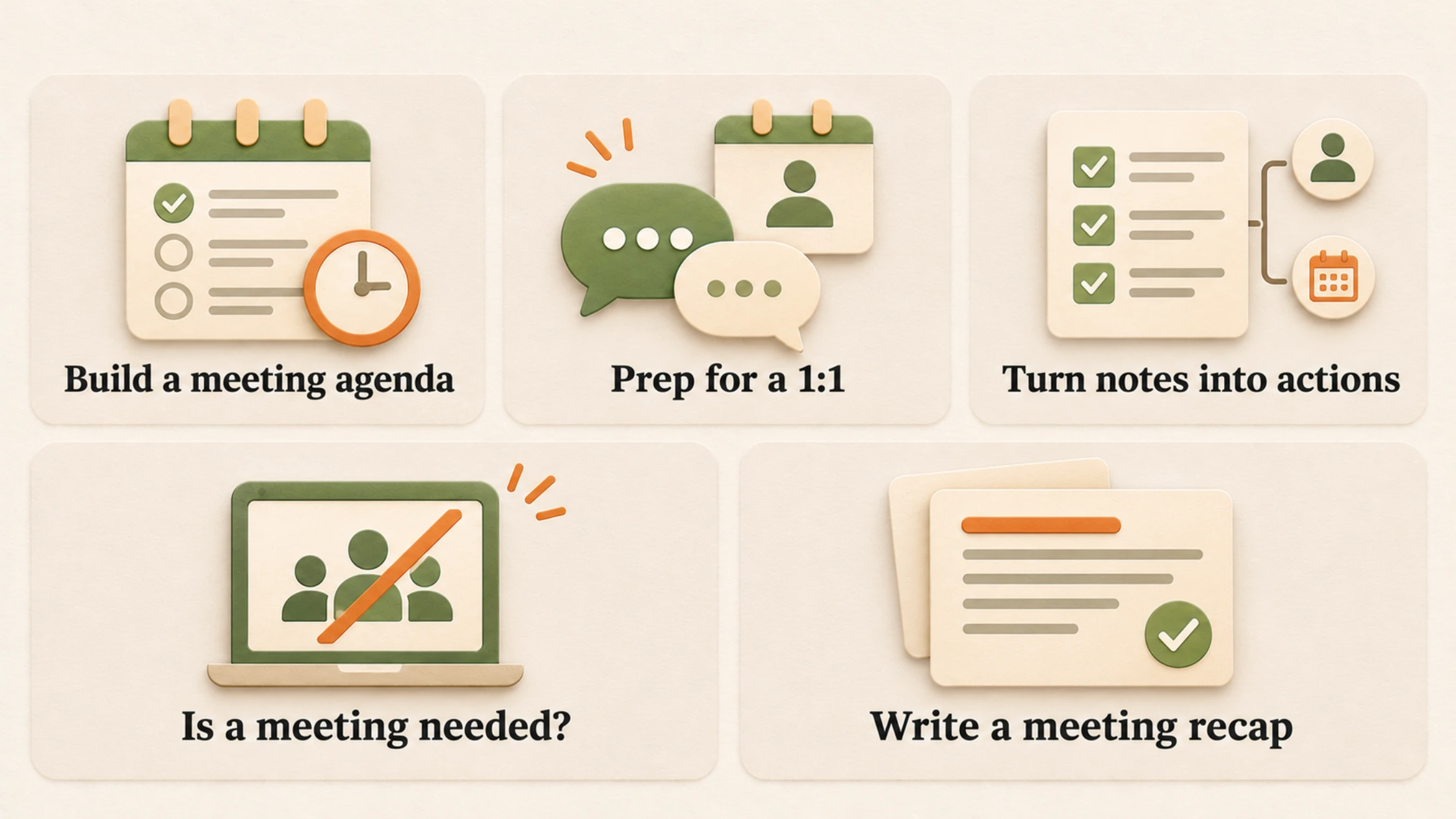
Meetings multiply fast. These prompts help you run fewer, better ones.
1. Build a focused meeting agenda
I have a meeting about [topic] with [attendees]. Build a tight agenda with time boxes and a clear desired outcome.
2. Prep for a 1:1
Help me prepare for my 1:1 with [name]. Based on these notes from our last conversation: [notes], suggest three good questions to ask.
3. Turn a meeting into action items
Here are my raw notes from a meeting: [notes]. Turn them into clear action items with an owner and a deadline for each.
4. Decide if a meeting is even needed
Here's what I want to accomplish: [goal]. Could this be handled without a meeting? If not, suggest the smallest possible version of this meeting.
5. Write a meeting recap that people actually read
Turn these meeting notes into a short recap: [notes]. Keep it under 150 words and lead with decisions made, not discussion points.
9. Personal Productivity & Time Management
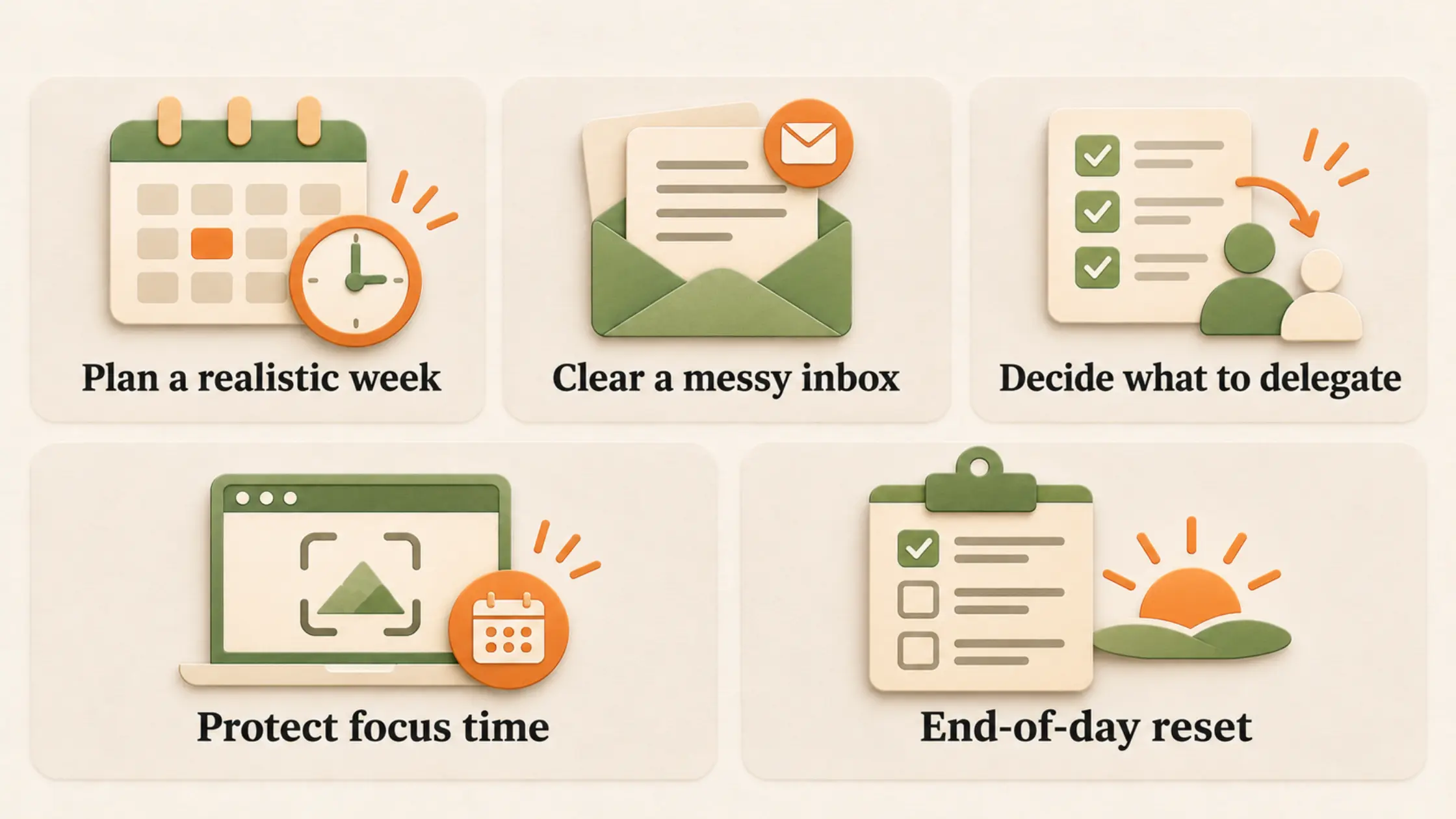
You can't lead well when your week is disorganized. These prompts help you get out of your own way.
1. Plan a realistic week
Here's everything on my plate this week: [list]. Help me build a realistic schedule, and flag anything that looks overcommitted.
2. Clear a messy inbox
Here are a few emails I'm behind on: [emails]. Draft short replies to each, and flag which ones I should handle myself versus delegate.
3. Decide what to delegate
Here's my task list: [list]. Which of these should I delegate, and to what kind of role, based on effort and importance?
4. Protect focus time
Help me write a message to my team explaining why I'm blocking off [time period] for focus work, without sounding unavailable.
5. End-of-day reset
Here's what happened today: [notes]. Summarize the one thing I should follow up on first tomorrow morning.
10. Learning, Innovation & Staying Current
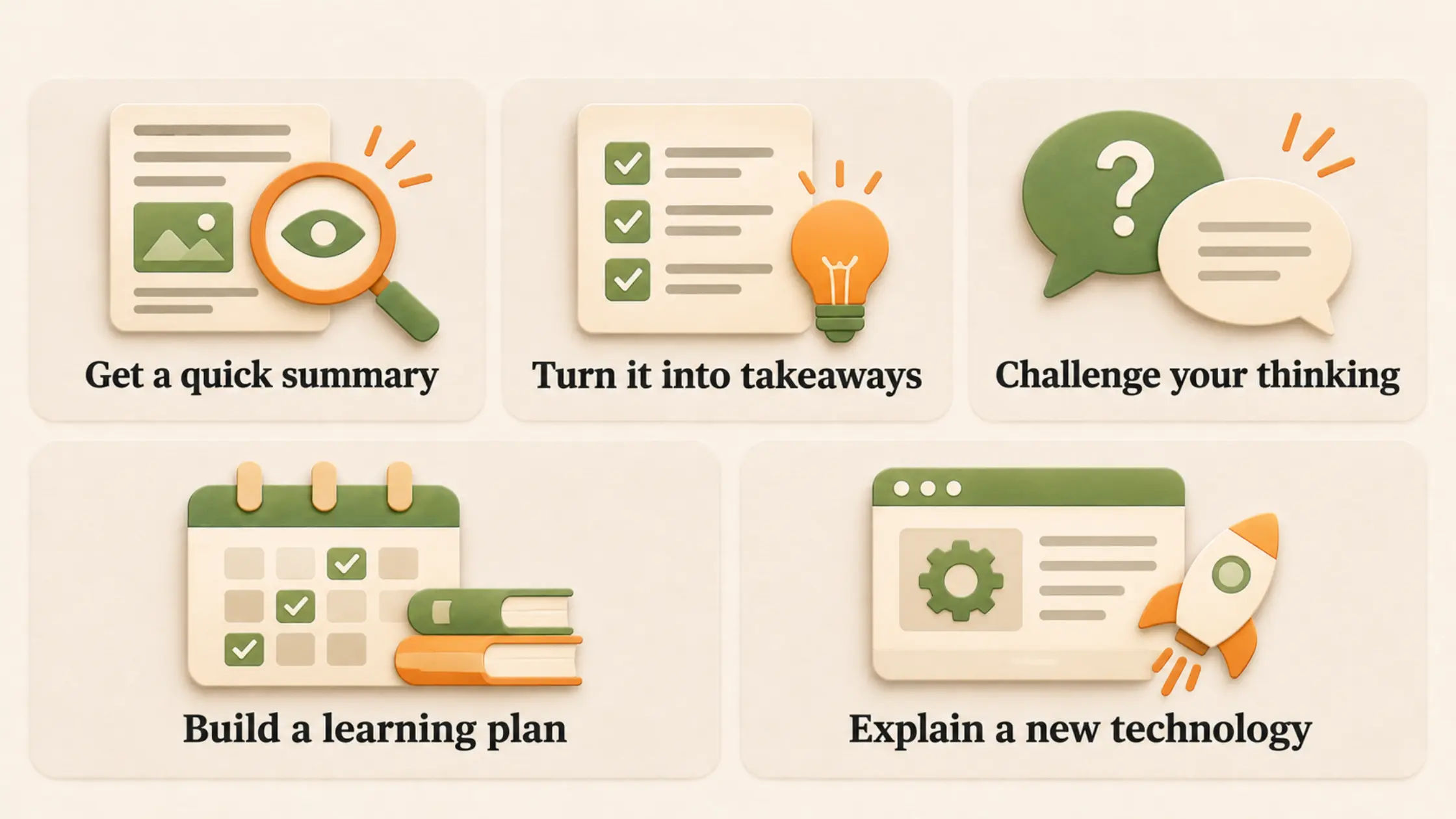
The pace of change in tech doesn't slow down for anyone's calendar. These prompts help you stay sharp without spending hours doom-scrolling through tech news.
1. Get a fast, honest summary
Summarize the current state of [technology or trend] in plain language. Include what's hype, what's real, and what I should actually pay attention to.
2. Turn an article into a takeaway
Here's an article I just read: [paste text or summary]. Give me the three things worth remembering and one way this could apply to my team.
3. Challenge your own thinking
I believe [opinion or assumption about your industry]. Give me the strongest argument against this view.
4. Build a learning plan
I want to get better at [skill or topic] over the next 90 days. Suggest a simple, realistic learning plan with weekly milestones.
5. Explain a new technology to your team
Explain [new technology or tool] to my team in a way that's useful, not hype-driven. Include one realistic use case for us.
Limitations of AI Prompts
A good prompt can save time, improve the quality of instructions, and help you approach a problem from different angles. But it has limits. It can't replace your understanding of the business, guarantee accurate information, or make important decisions on your behalf.
Even the best prompts depend on the model you're using, the information it has access to, and how you evaluate its responses. Here are some limitations to keep in mind:
1. Human Judgment
AI can help you prepare feedback, evaluate options, or plan a difficult conversation. But it doesn't know your team dynamics, understand every workplace situation, or predict how a decision will affect the people involved. The final call still requires your experience and judgment.
2. Limited Context
AI works with the information available to it. If you leave out project history, business priorities, technical requirements, or important constraints, its recommendations may miss the bigger picture. A detailed prompt helps, but it cannot account for information the model doesn't have.
3. Accountability
AI can compare priorities, outline trade-offs, and recommend a roadmap. It cannot take responsibility for missed deadlines, budget decisions, or the consequences of a technical choice. You remain accountable for the decisions you make using its recommendations.
4. System Knowledge
Without access to your actual codebase, architecture documentation, internal tools, or engineering decisions, AI may suggest solutions that don't fit your existing systems. Always check technical recommendations against your actual environment.
5. Data Privacy
Some prompts involve project details, customer information, financial figures, or internal business decisions. Before sharing this information, check your company's AI usage policy and the data handling practices of the model you're using.
6. Accuracy
AI can get produce incorrect specifics, technical details, outdated recommendations, misleading estimates, and even references that don't exist. A response that sounds confident isn't necessarily correct. Verify important claims, especially before using them in technical or business decisions.
7. Real-Time Awareness
AI may not have access to the latest project updates, market changes, system logs, or incident information. During a live incident, even a useful recommendation can become irrelevant as the situation changes. Provide current information before relying on its analysis.
8. Model Intelligence and Output Quality
Writing a good prompt doesn't automatically produce good work. The result also depends on the model's intelligence, reasoning capabilities, and ability to understand the task. Even powerful models can produce generic, predictable, or average responses.
This is where your own judgment and taste make a difference. Don't accept an answer simply because it sounds polished. Consider a few things:
Question the output. Look beyond the writing and examine the reasoning, assumptions, and recommendations.
Bring your own perspective. Your experience can help identify what the model overlooks or what doesn't fit your situation.
Challenge conventional answers. If the response feels predictable, ask the model to consider a different approach.
Know when to break the rules. Standard recommendations aren't always right for every situation. If you understand the trade-offs and can justify a different approach, don't let a generic AI response limit your thinking.
9. Overreliance
Using AI for every difficult task can make it tempting to accept recommendations without thinking them through. Use it to challenge your thinking, examine alternatives, and work through problems, not to avoid developing your own judgment.
The best way to use these prompts is to treat them as starting points, not instructions you have to follow blindly. AI can help you get to an answer faster, but knowing whether that answer is accurate, useful, and worth acting on is still your responsibility.
Conclusion
AI is most useful when it helps you spend less time on repetitive work and more time on decisions that need your attention. For tech leaders, that could mean preparing for a roadmap discussion, reviewing an architecture proposal, identifying project risks, or making sense of team performance.
Getting better results from AI doesn't require memorizing 50 prompts or finding the perfect wording for every task. It comes down to how well you explain what you're trying to accomplish and how carefully you evaluate the response.
You don't have to start every task with a blank prompt. Use the curated collection of prompts to find starting points for the work you already do. Adapt the instructions with your project details, business context, and specific requirements. Review the responses, verify important recommendations, and use your judgment before acting on them.
The value isn't in how many prompts you use. It's in finding the ones that help you approach everyday responsibilities more efficiently and make more informed decisions.
Start with one task you regularly handle, whether that's reviewing a technical proposal, preparing a project update, or assessing a security risk. Give AI the relevant context, include your constraints, and be specific about what you need. Review the output, correct what doesn't hold up, and refine the prompt based on what was missing.
Once you find an approach that consistently saves time without compromising the quality of your work, make it part of your routine. Build on it as new tasks come up.
The goal isn't to use AI more often. It's to make better use of it where it genuinely helps you make decisions and get work done.